
How to Redirect Old Domain to New Domain | New Update 2026
Learn how to redirect old domain to new domain. And the processes involved in redirecting urls including the benefits and best strategies. Have you ever wanted to change your domain or hosting provider? But you don't know how to keep your web page URLs, posts, and traffic?
Overview
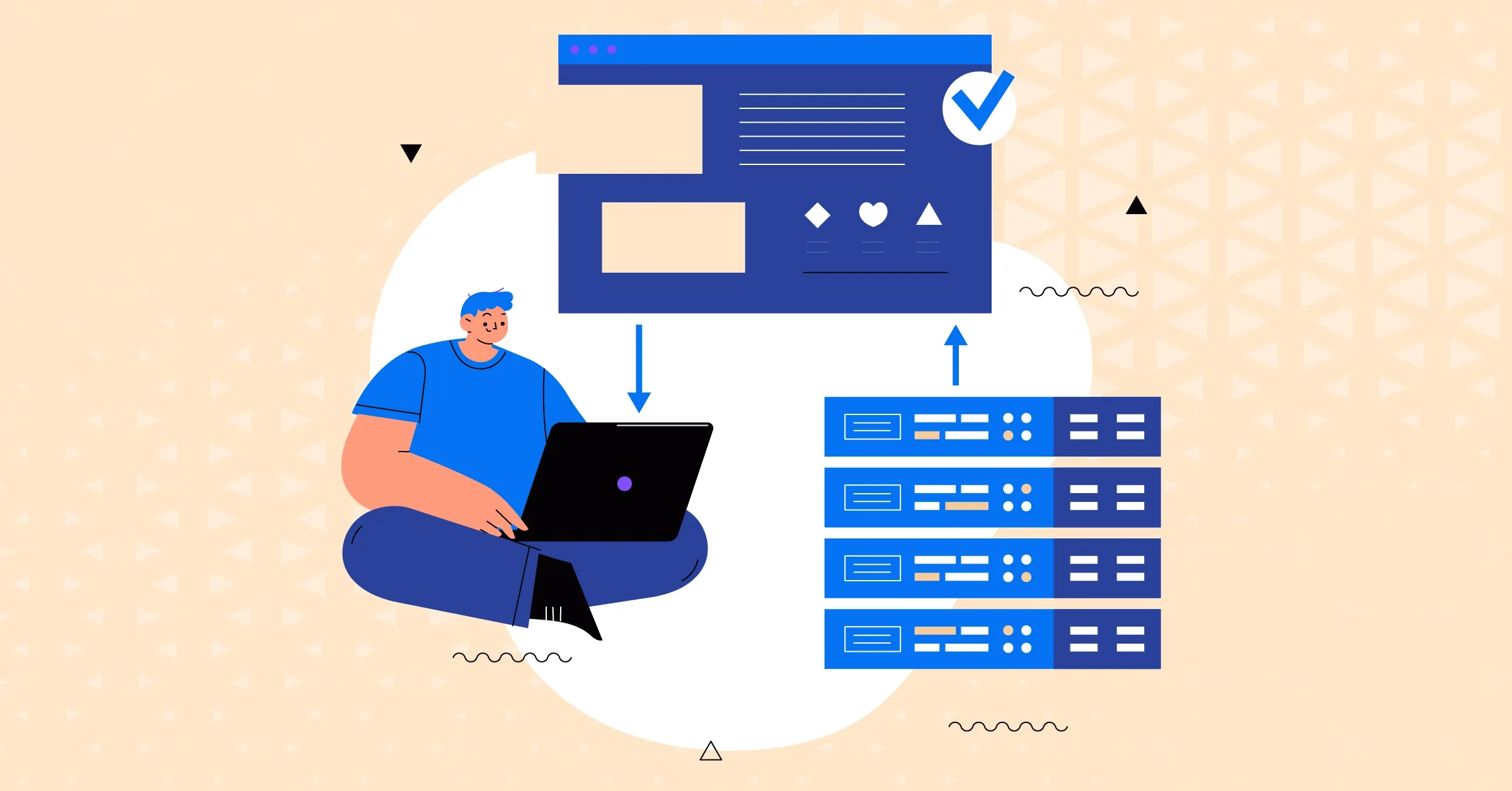
Have you ever wanted to change your domain or hosting provider? But you don't know how to keep your web page URLs, posts, and traffic? Well, in that case, this may just be the right article for you. As we have discussed everything you need to know on how to redirect old domain to new domain. From the importance of redirection to the best practices, we have covered it all.Domain redirection sounds like a complicated process, but it doesn't have to be. With several strategies discussed below, you can have a clear idea of how to implement them. So make sure you read it till the end for the maximum value.
Many businesses often update or change their website. But what happens to their old website? If the old website is still on the search results, users may get confused. Especially when you make changes to your website or domain name. And even sometimes when you move to a new hosting provider, you may need to change your domain.
And This is where domain redirection comes into play. Redirecting a domain involves setting up a system. A system that automatically sends users and search engines from the old domain to the new domain. In this article, we will discuss everything related to the topic redirect old domain to new domain. From the importance of the process of redirecting URLs. Here are the topics which we will explore:
- What is the Importance of redirecting domain
- What is 301 moved permanently
- What are the benefits of redirection
- How to redirect old URL to new URL
- How to redirect old website to new website
- What are the best practices
What is a Domain?
In simple terms, a domain is a unique address that identifies a website on the internet. It is basically a readable representation of the website's IP address. This allows the users to access web pages and resources easily.
For example, in the URL "https://www.gigde.com/," the domain is "Gigde.com." This is the primary element that users interact with when browsing the internet. This plays a significant role in establishing a website's online presence and brand identity.
Why is it Important to Redirect the Old Domain to the New Domain?
Redirecting domains is an important aspect of managing website changes and ensuring a seamless user experience. This is important when you make changes like rebranding or restructuring your website. It's important that you are redirecting the old domain to the new one as:
- It helps maintain the flow of incoming traffic
- Preserves your search engine rankings
- Prevents users from encountering dead links
- Retains all the information present in your old domain
- Effortlessly guides users to the new domain
What is 301 Moved Permanently Meaning?
One of the most commonly used methods for domain redirection. And this is through the implementation of the 301 Moved Permanently status code. This status code informs both users and search engines that the requested page or resource has been permanently moved to a new location. By utilizing the 301 redirects, you can signal to web browsers and search engine crawlers that the content they are looking for now resides at a different URL.
The significance of the 301 Moved Permanently status code lies in its impact on SEO. From an SEO perspective, implementing 301 redirects ensures that search engines understand the change in your website's structure or domain. And eventually, can update their indexes accordingly. This helps preserve your hard-earned rankings, organic traffic, and the authority built over time.
What are the Benefits When you Redirect the Old Domain to a New Domain?
Proper implementation of redirects ensures good SEO and user experience. Implementing these redirection strategies will help your users to reach your new site. This can be done without any complications or confusion from the user side. Here are some of them:
Preservation of search rankings:
Redirecting your old domain to the new one using a 301 redirect helps preserve the search engine rankings you have worked hard to achieve. Search engines recognize the redirect as a signal that the content has moved. And also attribute the SEO value of the old URL to the new one.
Retention of organic traffic:
By seamlessly redirecting users from the old URL to the new URL, you ensure that organic traffic continues to flow to your website, so build a strong organic search strategy. This minimizes the potential loss of visitors and maintains the visibility of your content in search engine results.
Improved user experience:
Redirecting users to the new URL through a 301 redirect prevents them from encountering broken links or error pages, Broken link building SEO is an effective strategy that involves identifying broken links on relevant websites. It allows for a smooth transition and ensures a positive user experience, contributing to higher engagement and satisfaction.
Why do you Have to Redirect the Old Domain to the New Domain?
Before you dive into the redirection process you must know the common reasons why businesses do it. There are several reasons that encompass this decision but here are the most common ones:
Rebranding:
When undergoing a rebranding process, where the name, logo, or overall identity of your business or website is changing. It is important to redirect the old domain to the new domain. This ensures that existing users, as well as search engines, are seamlessly redirected to the updated brand identity.
Domain changes:
If you decide to change your domain. This may be due to any reason, such as improving the domain name, targeting a different audience, or aligning with your business objectives. Redirecting the old domain to the new one is crucial. This allows you to maintain the traffic, authority, and search engine rankings associated with the old domain.
Website migrations:
When migrating your website from one hosting provider or platform to another, it often involves changing the domain as well. In such cases, redirecting the old domain to the new one ensures that visitors and search engines are directed to the new website without disruptions.
How to Redirect a Domain to Another Domain?
When you want to redirect an old domain to a new domain, it's important to know the steps. This may help you to make the process more efficient. You can also use these steps to redirect the old website to the new website. As they have the same process. Here are some steps:
Set up the server configuration:
Access the server where your old domain is hosted and modify the server configuration files. Such as .htaccess for Apache servers or the server block configuration for Nginx servers.
Implement the 301 redirects:
In the server configuration, add rules that specify the redirection of all incoming requests from the old domain to the corresponding URLs on the new domain. This can be achieved by using the appropriate syntax and directives, depending on the server software.
Preserve URL structure:
The URL structure of the old domain should be preserved in the new domain. This means that each URL on the old domain should redirect to a corresponding URL on the new domain with the same or similar path.
How can you Redirect an Old URL to a New URL?
Similar to the process of redirect old domain to new domain. Redirecting specific URLs or pages to their corresponding new URLs is essential in certain scenarios. Redirecting old URLs to new URLs involves mapping each individual URL from the old domain to its corresponding URL on the new domain. Here's an overview of the process:
Identify the URLs to redirect:
Begin by identifying the specific URLs or pages on the old domain that need to be redirected to the new domain. This could include important landing pages and creating landing page, popular blog posts, or any other URLs that hold significance for your website.
Choose the redirect method:
Depending on your server configuration and requirements, select the appropriate redirect method. The most commonly used method is the 301 Moved Permanently status code, which indicates a permanent redirection.
Implement the individual redirects:
Configure the server or website settings to implement individual redirects for each URL. This is typically done by modifying the server configuration file or using content management system (CMS) plugins or tools that facilitate URL redirection.
What are the Best Practices to Redirect Old Domain to New Domain?
When implementing domain redirection, it's crucial to follow best practices. This is to ensure a successful transition. Here are some of them:
301 redirects:
Use the 301 Moved Permanently status code for all redirects. This informs search engines that the change is permanent and helps transfer the SEO value from the old domain to the new one.
Redirect individual URLs:
Redirect each individual URL from the old domain to the new domain. This ensures that search engines and users are directed to the relevant content in the new domain.
Preserve URL structure:
Maintain the same or similar URL structure when redirecting from the old domain to the new domain. This helps search engines understand the relationship between the old and new URLs and preserves any existing search engine rankings. A good example would be the website of Gigde Global which has a perfectly optimized URL structure. You can use this as an inspiration for your own website as well.
Update internal links:
Modify internal links within your website to point to the new domain, It is crucial to understand the importance of internal links in SEO. This ensures that users are directed to the new domain when navigating through your website, minimizing the risk of broken links and providing a seamless browsing experience.
Conclusion
Redirecting old domains to new domains holds significant importance for various reasons. It allows you to maintain SEO value and preserve backlinks. This also ensures that users can access the desired content without encountering broken links or error pages. By implementing proper domain redirection, you can smoothly transition to a new domain.
In this article, we discussed how to redirect old domain to new domain. From the importance to the best practices. As redirecting old domains to new domains is a crucial process that should involve a seamless transition. And as your website evolves, it is crucial to continually evaluate the redirection's effectiveness. While also making necessary adjustments to maintain optimal performance.
Related Articles